
BuildStack
Account Management: Manage Your Account with Ease
Welcome to our Account Management Center. Managing your account helps you maintain security, update personal information, and customize your experience. Our account management tools are designed to give you complete control over your profile and settings.
1. Why Account Management Matters?
Keeping your account updated ensures a secure and personalized experience. With effective account management, you can:
- Protect your account with strong security settings.
- Update personal and contact information.
- Manage privacy and notification preferences.
- Access account activity and login history.
- Customize your experience based on your needs.
2. Step-by-Step Guide to Managing Your Account
Take control of your account by following these simple steps.
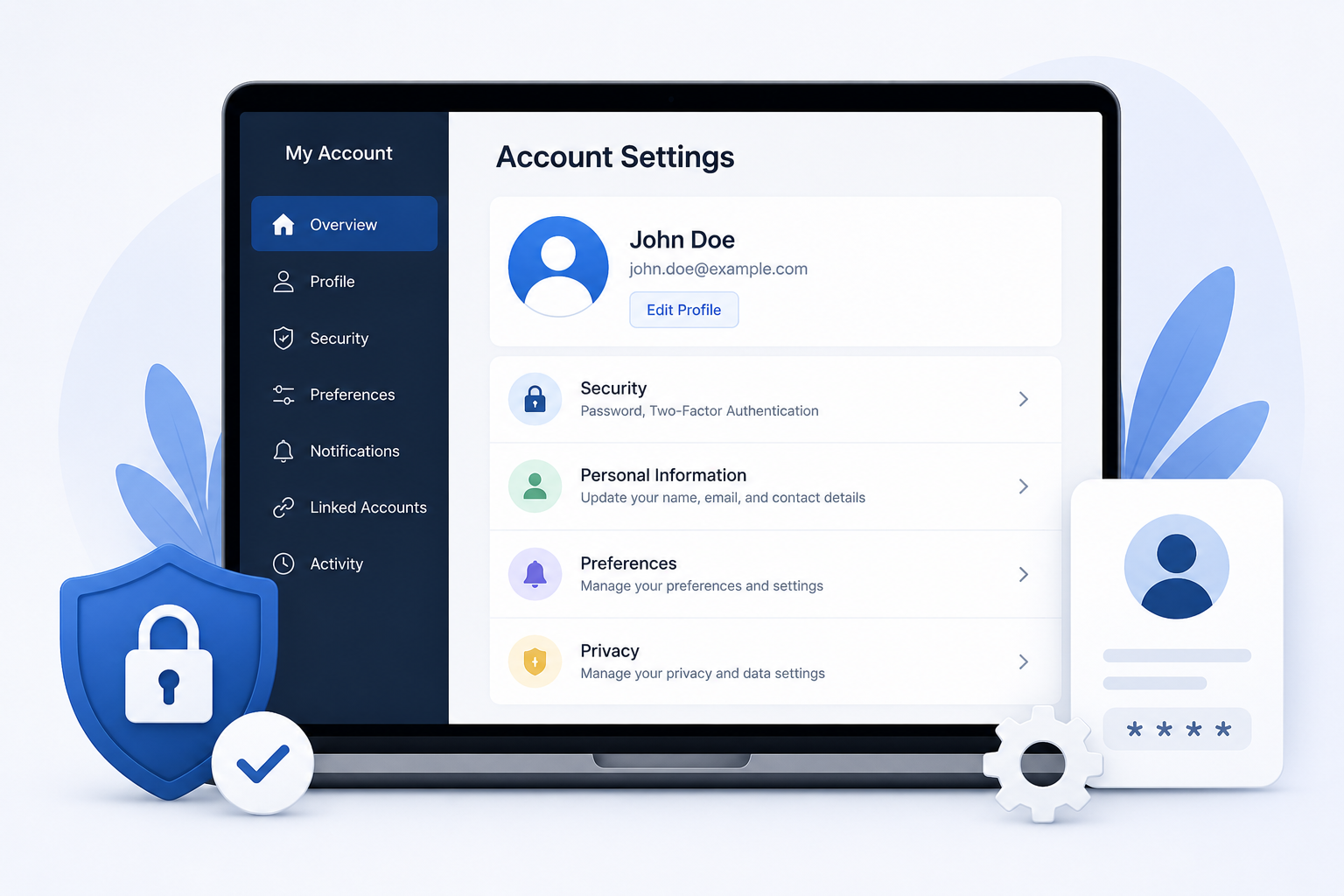
Step 1: Access Your Account Settings
Log in to your account and navigate to the Account Settings section from your dashboard. Here, you can view and manage all account-related options.
Step 2: Update Your Information
Review and update your profile details, password, security preferences, and notification settings to keep your account accurate and secure.
Step 3: Save Changes and Review
After making updates, save your changes and review your account settings to ensure everything is configured correctly and functioning as expected.
3. Next Steps
Regular account management helps protect your information and ensures a seamless user experience. We recommend reviewing your account settings periodically to maintain security, keep your information current, and make the most of the features available to you.